Game test rules
This manual applies exclusively to the computer program and does not replace educational and reference literature, operating system manufacturer's manuals, and other sources of information that cover working with the graphical user interface of the operating system.
The program is downloaded by running the professional.exe file.
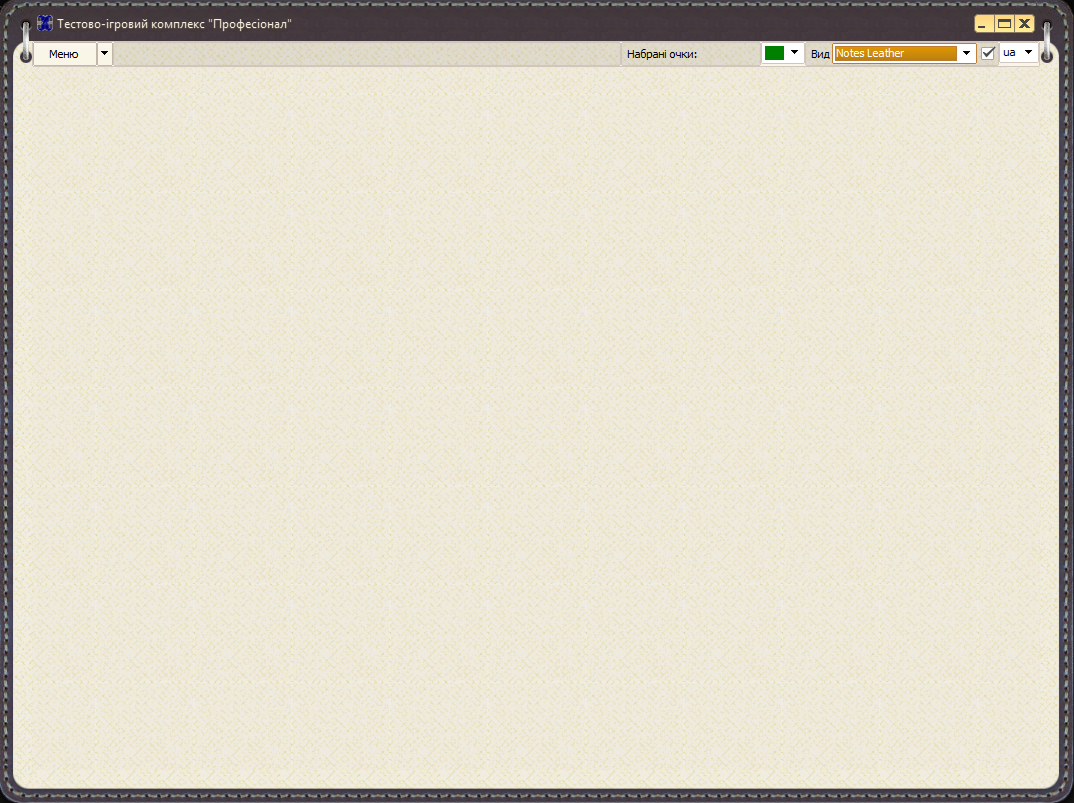
If the program is successfully launched, the main program window, shown in the first figure, will be displayed on the desktop. The main window menu contains the menu items «Game» and «Settings», which are used to control and select testing parameters.
Before starting the game, you need to select the topic of the game test from the available list of topics sorted by sections in the menu. Also, before starting the game, you can configure the program itself, the number of participants, their names, the time of displaying cards, and other game parameters.
After selecting the game modes and program settings, you can start the game using the «Game» menu item.
Depending on the selected mode and card display time, at the beginning of the game, a field of rectangular cards appears on the program's working field, clicking on which causes them to be flipped and shown to the player.
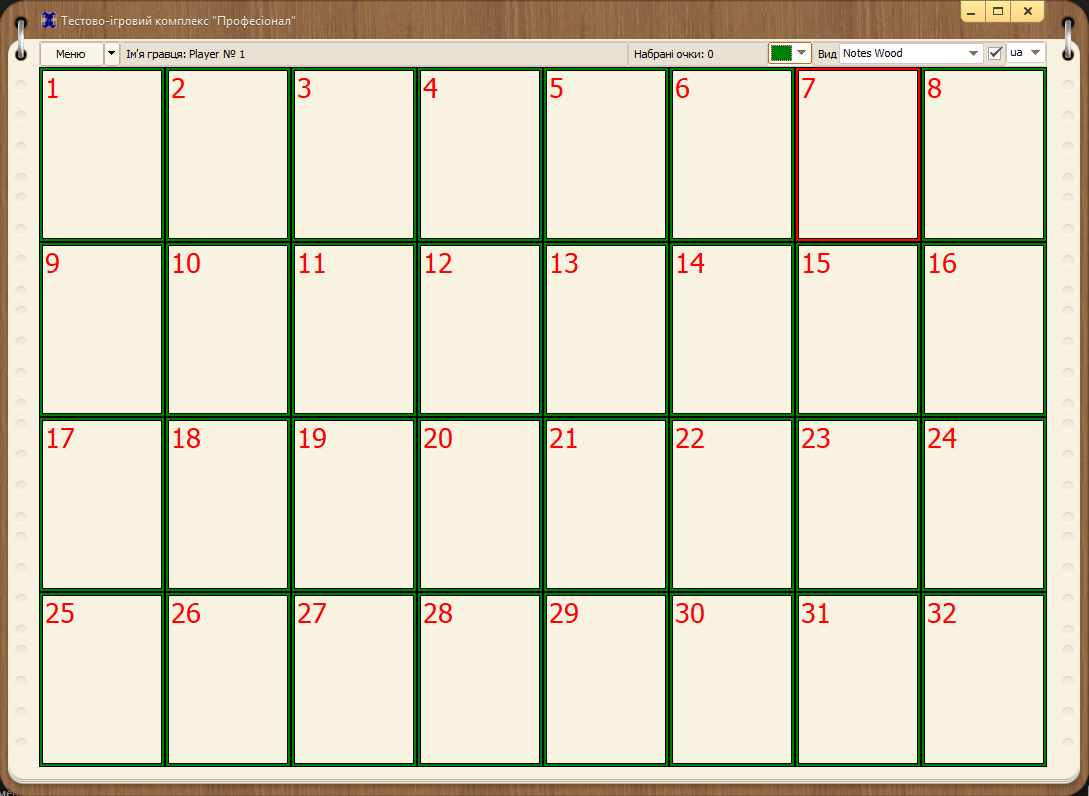
The task of the player or players is to open pairs of cards with the same images. If the images on the cards do not match, after a timeout specified in the Settings, the cards are turned over, and in the case of a multi-player game, the turn is transferred to another player.
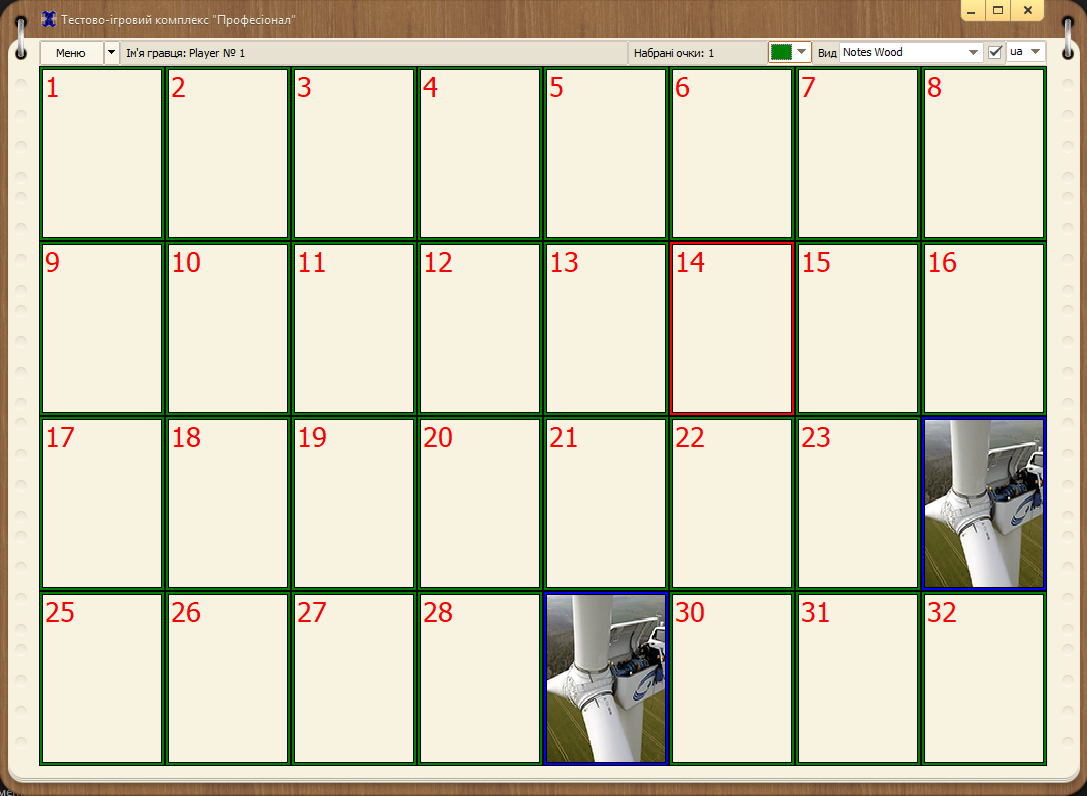
If the images on two cards opened by one player match, they remain open, and the player scores the number of points set in the Settings..
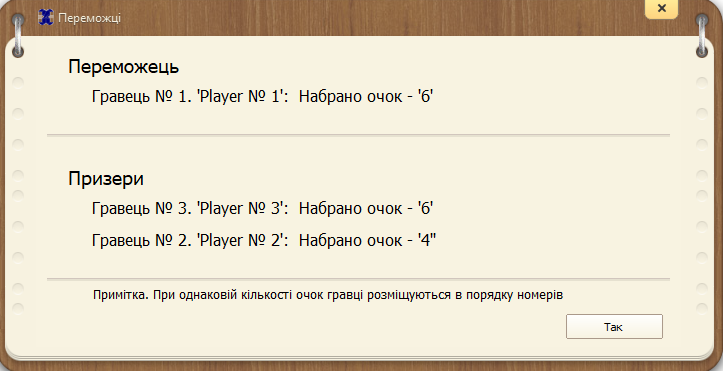
After the player or players reveal the entire field of cards, the game ends, and a game results window appears, indicating the number of players' points and the winner of the game.